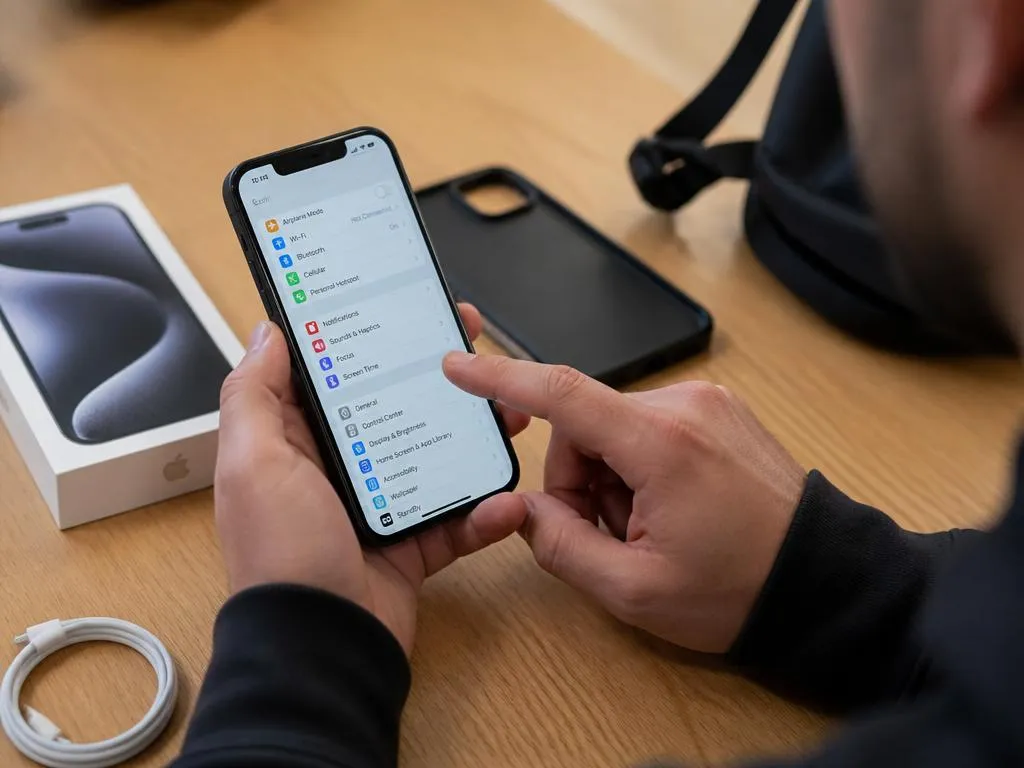
Buying a pre-owned smartphone requires careful visual and internal inspection to avoid cellular connectivity issues. Learning how to check if phone is unlocked without sim ensures you do not purchase a heavily restricted device. Many eager shoppers completely overlook this crucial security step when meeting private sellers.
Network locks restrict your brand new mobile device to a single carrier, making international travel highly problematic. This comprehensive guide explores practical system settings, database lookups, and developer menus to confirm carrier status. Safeguard your hard-earned budget by discovering these essential techniques before making your final transaction.
Why verifying carrier restriction matters
A locked mobile phone limits your freedom to choose cost-effective network operators. If you travel frequently or wish to switch service providers, an unlocked device is absolutely essential. Understanding the carrier status before purchasing helps you negotiate a fair price or walk away from a bad deal immediately without any regret.
Moreover, devices that remain bound to a specific network carrier might have substantial outstanding financial balances. If the original owner stopped paying their monthly contract, the network provider can block the device entirely. Verifying this status immediately protects you from inheriting someone else’s unpaid debts and cellular liabilities during transactions.
📋 Key lock verification benefits:
- Absolute network freedom to select any globally compatible GSM or CDMA network provider.
- Higher resale value when you decide to upgrade your smartphone in the future.
- Zero contract liability ensuring the handset is free from outstanding operator balances.
How to check if phone is unlocked without sim via ios settings
Apple devices offer a straightforward interface that displays cellular restrictions directly in the operating system. You do not need an active cellular subscription to view this vital specification. Simply power on the iPhone, navigate to the main options screen, and locate the general information menu for quick verification before completing your purchase.
Inside this menu, look for the field labeled carrier lock. If the device is completely open, it will display a message stating no SIM restrictions. This indicator provides immediate reassurance that the smartphone can accept any mobile network provider worldwide without further software modifications or expensive carrier unlocking procedures.
However, if you see a specific network name or a restricted status, the phone remains locked. In such scenarios, the seller must contact their original carrier to request an official unlock. Never complete the transaction until this specific field displays the desired unrestricted notification clearly and permanently on the settings dashboard.
Accessing the network provider lock menu
To locate this specific setting on an iOS device, open the settings application first. Scroll down gently and tap on the general section, then select the about category at the top. This screen compiles all hardware identifiers and software configurations for your detailed inspection and review during your device examination.
Scroll down past the serial number and physical address fields until you reach the network carrier details. Here, the operating system lists the current configuration status clearly. If the screen displays no SIM restrictions, you are safe to finalize the purchase without any hesitation whatsoever regarding cellular connectivity.
If the device is running an older operating system version, this specific menu label might be absent. In such instances, updating the system software via a wireless internet connection is highly recommended. This ensures you obtain the most accurate and up-to-date hardware information directly from Apple databases before making a decision.
Checking android status through device settings
Android devices present a slightly more diverse landscape due to manufacturing customizations. Each brand organizing their system menus differently can make the verification process somewhat challenging for novice buyers. However, most modern Android smartphones still contain explicit references to their current cellular lock status within settings during a typical inspection.
To begin, navigate directly to the settings application and locate the connections or network menu. Within this section, look for advanced options, mobile networks, or carrier settings. Some manufacturers place this security information under the security or system details tab for user convenience and safety during the hand-on transaction phase.
If you discover an option labeled network lock or carrier state, select it to view the parameters. A fully open Android device typically displays unlocked, network unlocked, or allowed network types: all. If you observe any carrier-specific branding or restricted messages, exercise caution immediately before buying the used handset today.
When checking these configurations, ensure the phone is connected to a local Wi-Fi hotspot. This active internet connection allows the operating system to refresh its configuration profile from the central manufacturer servers. This step ensures you are not viewing cached or outdated system configurations during inspection in the seller’s presence.
💡 Buyer security tip:
Always request that the seller resets the phone in front of you. This process forces the device to download the latest carrier profile from network registration databases, removing any custom software locks.
Utilizing the secret test menus on android
Many Android manufacturers program hidden diagnostic environments into their devices for technician access. You can access these secret menus by inputting specific code sequences into the telephone dialer application. This technical approach bypasses standard settings to query the underlying cellular hardware directly and quickly without needing any extra diagnostic software tool.
Just like tech users learn to optimize software systems for better performance, smart buyers use dialer codes to inspect hardware status. Look for the network lock configuration category within these hidden screens to verify the state of the modem instantly to ensure you are buying a fully open mobile phone.
Common codes include variations like star-hash-star-hash-four-six-three-six-hash-star-hash-star, which open advanced testing dashboards on multiple brands. Once inside, check the phone information tab to view cellular configurations. If the network restrictions show empty or zero, your prospective device is likely completely unrestricted and ready to run any compatible network carrier plan.
Using online imei portals for definitive verification
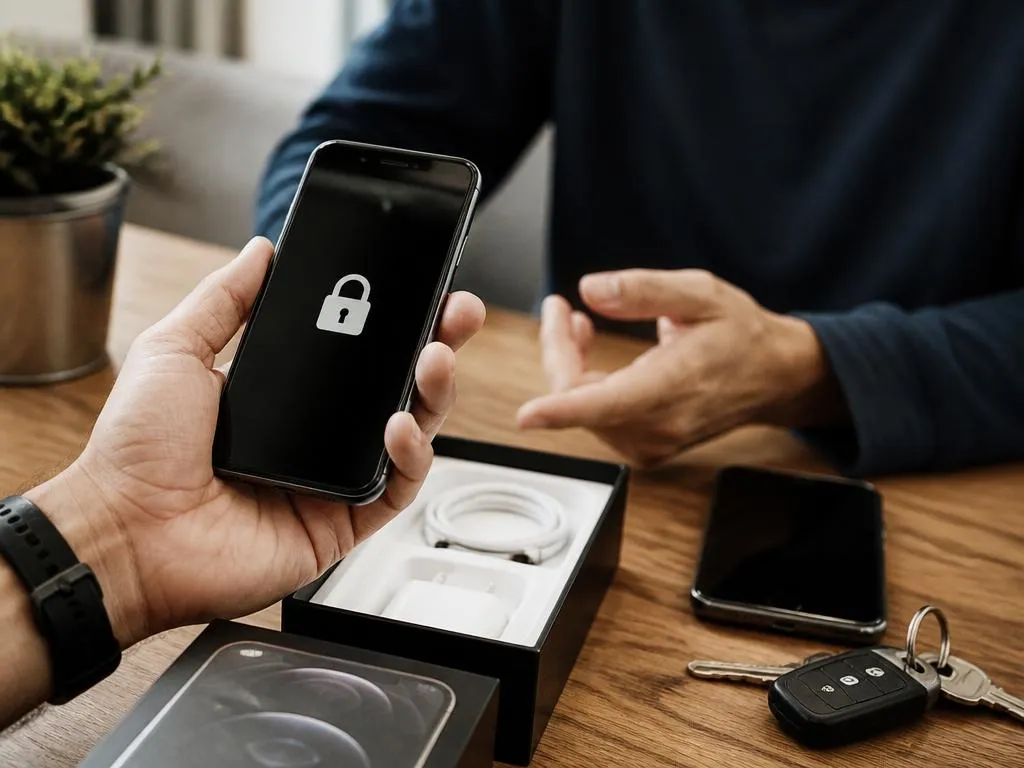
Every mobile phone possesses a unique fifteen-digit serial number known as the IMEI. This identifier acts as a digital birth certificate, recording the device’s history, model, and carrier lock status. Querying this number through reliable databases is a highly effective way to verify configuration details without a SIM card on hand.
To locate the IMEI code, navigate to the system settings or dial star-hash-zero-six-hash on the keypad. This universal command displays the serial identifier on any functional mobile device. Write down this number carefully, ensuring you do not transpose any digits during the process of verification in front of the private seller.
Once you have the code, visit a reputable online IMEI checker website using a secondary device. Input the serial number into the search field to retrieve a detailed status report. This external database query reveals whether the smartphone is unlocked, blacklisted, or currently bound to a carrier contract or financial plan.
Be cautious when choosing third-party checker websites, as some may request unnecessary payment. Many reliable platforms offer basic carrier checks completely free of charge. Utilizing these online tools gives you an objective, independent assessment of the device before committing your money to a private transaction without any guarantee or return policy.
⚠️ Critical database warning:
Always cross-reference the digital IMEI displayed on the system screen with the physically engraved code on the SIM card tray or rear glass. Discrepancies point directly to system modifications or hardware fraud.
Contacting the network provider directly
If software menus and online databases leave you feeling uncertain, direct communication with the carrier is the safest path. You can call the customer service department of the network provider associated with the phone. Provide them with the IMEI number to receive an official, authoritative status update from their backend database.
When speaking to support agents, explain that you are considering buying the pre-owned device. Just as people find ways to interact with modern platforms seamlessly, you can leverage official customer service channels for absolute clarity. The carrier representative will confirm if the phone is fully eligible for release from its network.
They can also inform you if there are outstanding financial obligations tied to the device. If the carrier states that the smartphone is restricted due to unpaid balances, politely decline the purchase. No software trick can bypass a network-level carrier lock imposed by the original network provider in their main directory.
Essential precautions when purchasing used smartphones
Checking the carrier status is only one aspect of a secure pre-owned transaction. You must also evaluate the overall functional health of the device to ensure a satisfying user experience. Inspect the physical chassis for signs of impact, water damage, or unauthorized third-party repairs before exchanging cash with the unknown seller.
Test the charging port, headphone jack, physical buttons, and touchscreen responsiveness thoroughly. If possible, connect the smartphone to a portable Wi-Fi hotspot to verify wireless functionality. A fully functional device should operate smoothly, without sudden battery drops, overheating, or unexpected software system instability during the entire hands-on inspection period today.
It is also wise to check the battery health percentage through the system settings. Batteries degrade over time, and a severely degraded cell will require an expensive replacement. Factor this potential cost into your negotiation to ensure you are receiving a fair financial deal from the individual selling the mobile device.
Additionally, verify that the previous owner has completely signed out of their personal accounts. An active security lock, such as Apple’s iCloud Activation Lock or Google’s Device Protection, can render the smartphone entirely useless. Ensure the device is reset to factory settings before handing over any money during the local exchange.
| Verification method | iOS procedure | Android procedure |
|---|---|---|
| System settings | Check Carrier Lock menu inside About | Look for network restriction labels |
| Dialer codes | N/A (Settings is safer) | Use hardware diagnostic dial strings |
| Database checks | Input IMEI into online Apple registry | Query manufacturer IMEI portal |
Understanding blacklist registry and iCloud locks
A blacklisted device is fundamentally different from a standard carrier-locked smartphone. When a phone is reported lost or stolen, its unique IMEI is added to a global blacklist database. Once registered, the device cannot connect to any cellular network, regardless of its lock status with any standard network carrier currently operating.
This global restriction makes database verification absolutely critical for pre-owned buyers. Even if you confirm that the smartphone has no carrier restrictions, a blacklisted status will prevent any cellular communication. Always use authoritative verification tools to screen for active theft reports online before finalizing any trade or exchanging valuable cash.
Similarly, activation locks prevent new users from configuring the smartphone. These security features are designed to deter theft, but they often catch honest buyers off guard. Just like organizations use a modular enterprise management system to coordinate security, phone operating systems use cloud linkages to protect user data from external threats.
Frequently asked questions about carrier locks
Can a locked phone be unlocked without the original owner? In most cases, carriers require the original account holder to request a device release. If you purchase a locked device, you may face immense difficulty getting the network provider to process your unlock request without proof of ownership documents.
Are third-party unlocking services safe to use? While some online services can successfully unlock devices, many are fraudulent or charge exorbitant fees. Furthermore, software-based unlocks can be reversed during future operating system updates, leaving you with a locked device once again unexpectedly after you have configured all your personal data.
How long does the carrier unlock process usually take? Once approved, the unlock signal is transmitted wirelessly and processed within a few hours. However, some providers can take up to several business days to finalize the request in their central databases and networks before the hardware registration becomes officially updated.
Does factory resetting a phone remove the carrier lock? No, factory resets only erase user data and restore default software configurations. The carrier lock is tied directly to the device hardware registry and remains completely unaffected by a standard system reset procedure, regardless of how many times you perform it.
Is it legal to unlock a smartphone? Yes, cellular unlocking is entirely legal in most jurisdictions, provided the device is fully paid off. Carriers are obligated to unlock eligible devices upon request once all contractual financial terms are met successfully by the original account holder who initiated the cellular plan.
✅ Device checklist for buyers:
- Query the IMEI on international blacklists.
- Verify that Apple’s iCloud or Google Protection is completely disabled.
- Confirm the Carrier Lock status states No SIM restrictions.
- Perform a physical hardware test of the charging ports and responsive touch elements.
Analyzing the financial impact of carrier locking
A locked smartphone carries a significantly lower resale value compared to its unlocked counterpart. If you intend to upgrade your mobile device in the near future, purchasing an open phone is a much wiser investment. Unlocked smartphones consistently attract more prospective buyers and command premium prices on second-hand marketplaces worldwide without delays.
Furthermore, carrier restrictions can force you into expensive, long-term service contracts that do not suit your lifestyle. By securing an unlocked device, you gain the flexibility to switch to prepaid plans or discount operators at any time. This financial freedom can save you hundreds of dollars annually on mobile expenses easily.
These long-term savings easily justify the minor effort required to verify the lock status beforehand. Purchasing a restricted smartphone by mistake often results in costly unlocking fees or frustrating legal disputes with previous owners. Save your time and protect your hard-earned money by making verification a non-negotiable step during every transaction.
In addition, locked devices are harder to recycle or donate when they reach the end of their lifespan. An unlocked mobile phone can easily find a second life with a friend, family member, or charitable organization. Ensuring cellular freedom now guarantees maximum utility and environmental sustainability for your device over time.
Protecting yourself during a pre-owned smartphone purchase requires patience and diligence. Taking the time to execute these vital settings and IMEI verifications prevents costly mistakes. By following the systematic instructions outlined in this safety guide, you can shop the used mobile market with absolute confidence without fearing any hidden locks.
Remember to test all hardware functions and verify cloud activation accounts before final payment. A reliable seller will always cooperate with your inspection process willingly. Equipping yourself with the correct diagnostic knowledge ensures you acquire a high-quality, fully unlocked smartphone that serves you well for years to come during daily operations.
In conclusion, verifying cellular freedom is the ultimate step in securing a smart purchase. Never rush the process, and always rely on objective software indicators rather than verbal promises. Your diligence will reward you with a perfectly functional, versatile device ready for any carrier network worldwide without any lock restrictions.
