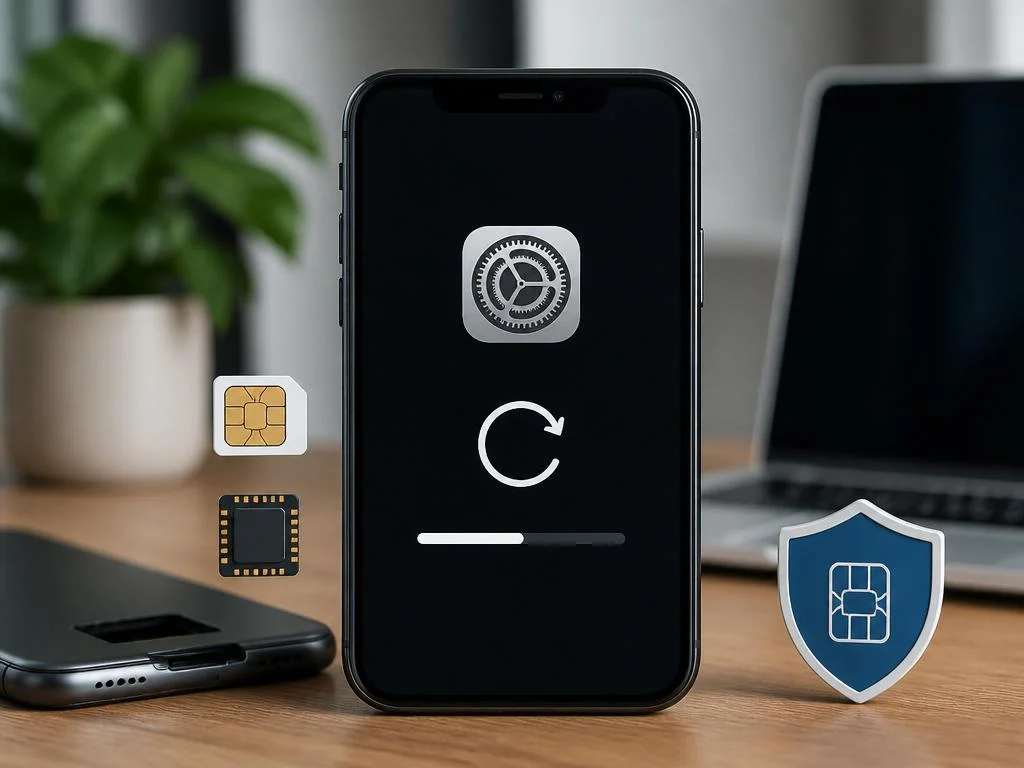
Wiping your mobile device can be a stressful process, especially when managing modern digital connectivity. Many users worry about their digital subscriptions and ask: does factory reset delete esim profiles permanently? Understanding how operating systems handle these credentials prevents unexpected service disruptions during transitions.
This comprehensive guide explains the subtle differences between clearing local cache data and erasing cellular configurations. We will explore how Apple and Android handle network credentials during a system wipe. Read on to discover the exact steps required to safeguard your cellular connection before initiating a full device reset.
Understanding how modern smartphones handle embedded profiles
Modern mobile devices have evolved from using physical plastic cards to integrated microchips built directly into the main circuit board. These electronic components store your mobile network credentials securely, allowing you to activate plans without physical swaps. Consequently, the operating system treats this hardware partition differently than typical user storage files.
When you trigger a complete system wipe, the device clears the application cache, temporary files, downloaded media, and database registries. However, because cellular credentials reside in a dedicated security enclave, the system gives you a choice. Users can decide whether to erase these sensitive communication pathways or preserve them during a system restore.
Does factory reset delete esim on Apple devices?
When initiating a full restore on an iPhone, iOS provides explicit prompts regarding your mobile data plans. The operating system asks whether you want to preserve or discard your cellular configurations. If you choose to keep them, your phone wipes all personal data but retains the active cellular connection immediately after rebooting.
Selecting the option to erase everything will initiate a complete esim profile removal from the secure storage module. This action is irreversible from the device itself, meaning you must contact your network operator to re-establish service. Understanding this prompt is essential to preventing unexpected service drops during software troubleshooting steps.
Apple designed this mechanism to protect users who frequently reset their devices to resolve minor software glitches. By separating user data from cellular provisioning, you can reinstall iOS without waiting for carrier activation processes. It provides a seamless transition that keeps you connected even during major operating system updates.
Preserving your cell plan on iPhone
To ensure you do not lose your active subscription, navigate to the settings menu and select the transfer options. When prompted, tap the button that specifies erasing all content while keeping your data plans. This option guarantees that your cellular plan settings remain untouched while the rest of the storage clears.
If you are preparing the device for a new owner, you must deliberately choose to delete these credentials. Leaving them active could allow the subsequent user to access your cellular account or make unauthorized calls. Always verify that the screen displays a complete removal confirmation before handing your old iPhone to another person.
For those managing corporate deployments, keeping these connections active saves valuable time during routine hardware maintenance. System administrators can wipe hundreds of devices without needing to physically reconfigure each subscription manually afterward. This modern approach simplifies mobile device management across large corporate and institutional environments.
Managing cellular settings on Android phones
Android devices handle digital credentials in a similar fashion, though the interface varies by manufacturer. Google Pixel and Samsung Galaxy phones offer a specific checkbox during the factory reset sequence. This toggle allows you to select whether to erase downloaded SIM cards alongside your personal pictures and downloaded apps.
If you overlook this toggle, the default action on some Android variants might automatically preserve the connection. However, other brands require manual intervention to keep the digital card active. It is crucial to read every warning message carefully before confirming the final system wipe on your device.
If you accidentally delete the profile, you must retrieve the original activation email from your network operator. This document contains the unique QR code required to re-register the hardware chip with the network tower. Without this code, you will remain offline until a customer support representative can manually regenerate your credentials.
Steps to avoid an accidental network deletion
Before tapping the final reset button, disable any automatic synchronization tools that might interfere with your network profile. Next, review the final confirmation screen, which summarizes exactly what data will be removed from your phone. Ensure the line mentioning cellular profiles is explicitly excluded from the list of items to delete.
If you are unsure about the prompts, temporarily remove any physical SIM cards before beginning the process. This practice helps isolate the digital subscription settings, making it easier to see how the system handles them. Taking these extra precautions prevents frustrating connectivity issues once the phone restarts and boots up.
Once the reset completes and the setup wizard appears, skip the initial network configuration steps if your profile was preserved. The phone should automatically find the cellular signal within a few seconds of loading the home screen. This instant reconnection confirms that you successfully navigated the device formatting process.
| OS Platform | Default Behavior | Recommended Action |
|---|---|---|
| iOS (Apple) | Asks to keep or delete | Select “Keep Data Plans” |
| Android (Google/Samsung) | Checkbox toggle option | Uncheck “Erase eSIMs” |
Why carriers make profile recovery difficult
Cellular providers enforce strict security protocols regarding digital profiles to prevent identity theft and SIM swapping attacks. Because these profiles contain cryptographic keys that link your phone directly to your bank accounts, recovery requires verification. Consequently, carriers rarely allow users to reuse an old activation code after a deletion occurs.
If your profile is lost, you may need to visit a physical retail store with valid identification. This security step ensures that unauthorized individuals cannot hijack your phone number by pretending to reset their devices. While this process feels inconvenient, it provides critical defense against sophisticated cyber threats.
Some modern carriers now support profile recovery directly through their official mobile applications. If your device retains Wi-Fi access, you can log into your account to request a new profile download. This automated system offers a convenient alternative to waiting on hold with customer support lines for hours.
Troubleshooting common restore issues
Sometimes, even when you choose to preserve the profile, network issues prevent the phone from connecting immediately. This problem often occurs because the device needs to rebuild its cellular cache files from scratch. Restarting your phone a second time usually forces the system to re-establish a secure connection with the tower.
If the connection remains inactive, toggle airplane mode on and off to reset the internal radio. This quick action clears temporary transmission bugs and encourages the device to scan for available network frequencies. Many basic connectivity problems are resolved using this simple technique without requiring a complete system overhaul.
In rare scenarios, the system restore process might corrupt the carrier activation profile file. If this happens, you will see an error message stating that the network configuration is invalid. In such cases, a complete deletion and a fresh profile installation are the only ways to restore service.
How to fix a network connection error
When resolving network issues, starting with your local router is often the smartest approach. Just like learning how to fix wireless connection errors simplifies home tech setups, toggling your device settings resolves cellular mismatches. Ensure your local internet is fully operational before accusing your digital SIM of failing.
If your Wi-Fi is working but the mobile network fails, check for carrier carrier settings updates. Manufacturers frequently release small software patches that update the database of compatible cellular towers. Installing these updates ensures your device can communicate with the latest network protocols in your geographic region.
Finally, check if your carrier account is in good standing and has not been temporarily suspended. Sometimes, billing discrepancies or automated security flags can mimic hardware failures or profile corruption issues. Contacting customer support directly can quickly clarify whether the issue lies with your device or the network.
Preparing your device for a change of ownership
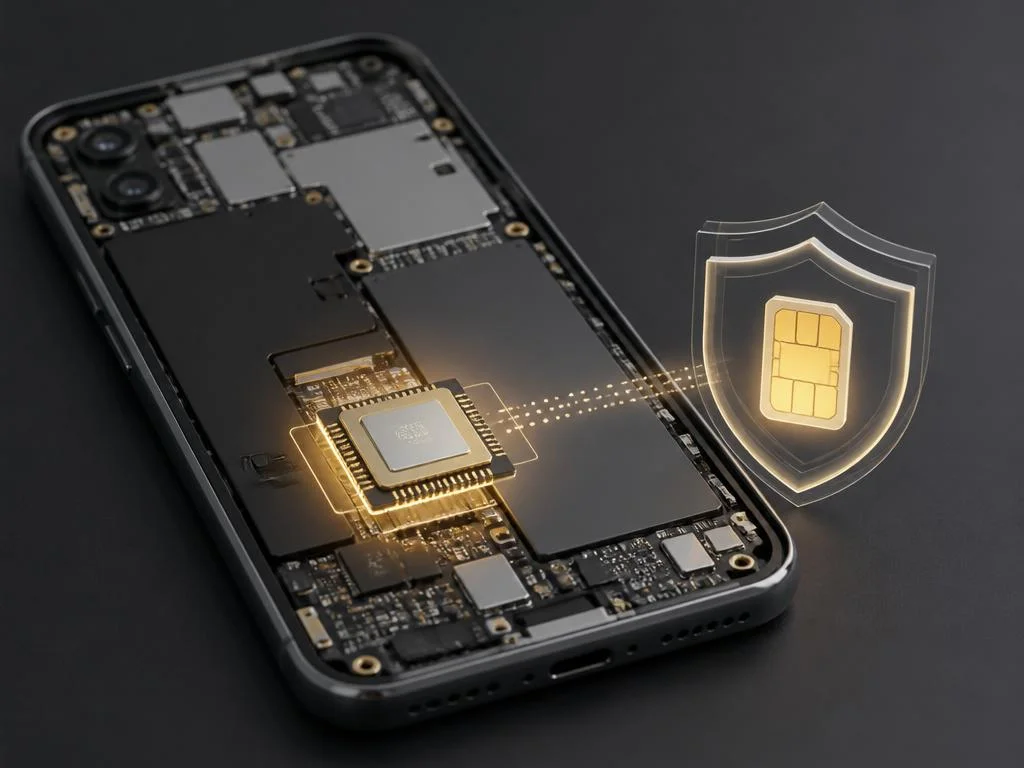
If you are selling or trading in your smartphone, your priorities must shift completely. In this scenario, you want to perform a thorough wipe that leaves absolutely no personal trace behind. This process must include removing all cellular credentials to protect your security and privacy before shipment.
When preparing to ship devices, sellers must handle customer details carefully. In the digital commerce space, business owners must restrict shipping locations to manage regional logistics securely. Similarly, wiping your smartphone thoroughly prevents sensitive personal profiles from traveling to unauthorized geographical regions after a successful online sale.
After the system wipe is finished, turn on the phone to verify the welcome screen appears. This screen indicates that the device is ready for a fresh setup by the next customer. Confirming this state guarantees that your personal accounts and digital subscriptions are completely disconnected from the physical hardware.
Scaling digital connectivity for business users
Enterprise environments require streamlined management systems to keep thousands of remote employees connected seamlessly. Utilizing virtual cellular profiles allows IT departments to deploy mobile devices without physical shipping delays. This efficiency is critical for modern corporations looking to optimize operations and reduce overhead costs significantly over time.
Corporate fleets of smartphones often require advanced digital solutions. When firms manage these setups, they also look for ways to scale digital advertising to secure high-net-worth clients efficiently. Integrating robust digital workflows ensures that team members stay online while marketing initiatives actively generate new revenue streams.
By standardizing how employees manage their digital cards during device resets, companies minimize IT support tickets. Providing clear internal guidelines ensures that staff members do not accidentally delete their work profiles during routine troubleshooting. This proactive education keeps business operations running smoothly without unnecessary downtime or delays.
Best practices for digital SIM card safety
To keep your electronic sim safe, always store a digital copy of your activation QR code in a secure cloud folder. Having access to this document on a secondary device makes recovery effortless if an accident occurs. This simple preparation protects you from prolonged communication outages during emergency situations.
Additionally, consider setting a PIN lock on your cellular profile to prevent unauthorized modifications. This security layer ensures that even if someone gains access to your unlocked phone, they cannot delete your plan. Protecting your connection is just as important as securing your physical device from theft or loss.
Finally, keep your device operating system updated to the latest version at all times. System updates often contain security patches that protect your cellular configurations from software vulnerabilities. Maintaining software hygiene is the best way to ensure reliable and secure digital connectivity for your mobile device.
📌 Key Takeaways
- Select the retention option to save your network profile during a wipe.
- Always erase cellular data when transferring device ownership to another person.
- Keep a backup of your carrier activation QR code in a secure location.
Frequently asked questions about mobile resets
Many users wonder if formatting their phone will cancel their active monthly billing cycle. It is vital to understand that erasing a profile from your device does not terminate your contract. Your network provider will continue to bill you until you formally request a formal service cancellation over the phone.
Another common question is whether you can transfer your profile to a new device during a reset. If your carrier supports quick transfer protocols, you can move the subscription directly during the initial setup wizard. Otherwise, you must request a new registration code to activate the plan on the new hardware.
Lastly, people often ask if they can use multiple profiles simultaneously on a single smartphone. Most modern devices allow you to store multiple digital cards, though only one or two can be active. Managing these configurations is simple using the built-in cellular settings menu on your phone.
Future trends in digital carrier technology
The transition toward completely physical-free carrier configurations is accelerating across the global telecommunications industry. Future smartphones may abandon traditional physical card slots entirely, relying solely on integrated digital components. This shift promises to make device activation even faster and more convenient for travelers and remote workers worldwide.
As security technologies continue to mature, cellular profile recovery will likely become completely automated. Users will be able to restore their connections securely using biometric authentication without needing carrier intervention. This evolution will eliminate the stress and confusion currently associated with formatting modern mobile devices today.
Ultimately, understanding how your smartphone interacts with virtual carriers empowers you to manage your technology confidently. By taking simple precautions, you can reset your device to optimize performance without fearing a loss of connectivity. Embrace these digital advancements to enjoy a seamless and secure mobile experience every single day.
