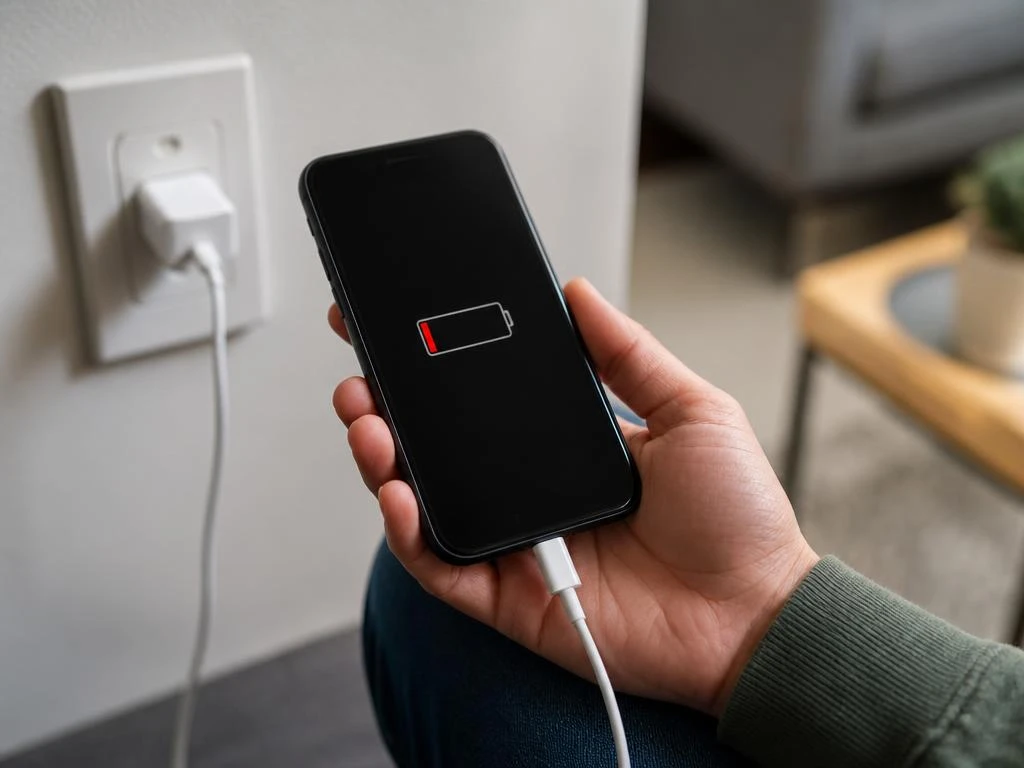
Dealing with a device that drains power while plugged into a source is frustrating for any user. Many individuals wonder why is my phone charging but battery is going down during daily use. This perplexing behavior often stems from background processes or faulty equipment that prevent the system from reaching a positive energy balance. Understanding these underlying mechanisms is the first step toward reclaiming your device efficiency and ensuring your hardware operates as intended without sudden interruptions during your busy day or night.
If your device continues to lose power despite a visible connection, the issue might lie in high power consumption or hardware limitations. This guide explores the most frequent causes and provides actionable solutions to restore normal charging patterns. We will examine how heavy software tasks, damaged cables, and port debris contribute to this common technical annoyance. By following these professional diagnostics, you can determine if your phone needs a simple configuration change, a minor cleaning, or perhaps a more significant hardware repair to stop the persistent drainage.
💡 Quick Diagnostic Summary
If your battery percentage is dropping while connected, the charging input is likely lower than your current power usage. This often happens if you are running resource-intensive applications while the power adapter provides insufficient current to compensate for the drain.
Common culprits for power loss
The most frequent reason for this behavior involves high energy demand exceeding input capacity. Modern smartphones perform dozens of background tasks simultaneously, from data syncing to location tracking. If you are using your screen at maximum brightness or playing graphic-heavy games while charging, the power intake often fails to match the consumption rate observed.
Moreover, environmental factors such as extreme heat play a significant role in performance degradation. When a device becomes too hot, the internal management system intentionally slows down the charging speed to protect the cell integrity. This thermal throttling is a safety feature, but it can make it appear as though the phone is discharging rapidly.
⚠️ Checking your hardware
- Inspect your charging cable integrity for visible fraying or bends.
- Ensure that the power brick provides enough wattage for your specific model.
- Check the port for lint or debris that might prevent a stable connection.
Optimization for better performance
To improve your situation, start by closing all unnecessary applications currently running in the background. Often, a single rogue app that relies heavily on GPS or cellular data can consume more energy than your charger can provide. If you still encounter problems, try restarting the device, as this clears temporary glitches that affect management.
Furthermore, consider switching to airplane mode if you need a rapid recovery of your charge levels. By disabling connectivity features such as Wi-Fi, Bluetooth, and cellular data, you significantly reduce the load on your hardware. This allows the system to focus entirely on replenishing the reservoir rather than managing constant external communications or background synchronization tasks.
Reliable power management is crucial for longevity. Always prioritize original or certified accessories to maintain optimal health for your mobile device battery.
Addressing deep technical issues
If your device continues to behave poorly after testing different cables, consider reviewing your system configuration settings for potential power-draining features. Some updates introduce bugs that cause excessive battery drain until a patch is released. Checking manufacturer forums might reveal if other users are facing identical dilemmas after a software update, which confirms the issue is widespread and temporary.
In addition, users seeking to manage their own professional tools can look into proper optimization techniques to avoid these bottlenecks entirely. Proper management extends the lifespan of your unit significantly. If you remain stuck, the issue might be a dying cell that no longer holds a charge, requiring professional replacement at a specialized service center near you today.
🛑 When to seek repair
If your phone reaches zero percent while plugged into a high-wattage source, you likely face internal hardware failure. Avoid DIY repairs if the battery appears swollen or if the charging port is damaged, as these conditions pose a significant safety risk to the user. Always consult certified technicians to resolve complex power issues safely.
Staying observant about how your device behaves during charging is the key to preventing long-term damage. By following these steps, you minimize the risk of sudden shutdowns. Always keep your software updated and replace aging accessories before they cause internal stress, ensuring your phone stays powered and ready for your daily demands without any unwanted drops.
Key maintenance tips
- Always use quality adapters to maintain consistent power flow during the process.
- Keep your device in a cool environment to avoid thermal throttling.
- Disable high-drain features when your percentage falls below twenty percent capacity.
- Update your operating system to benefit from the latest efficiency improvements released by developers.
